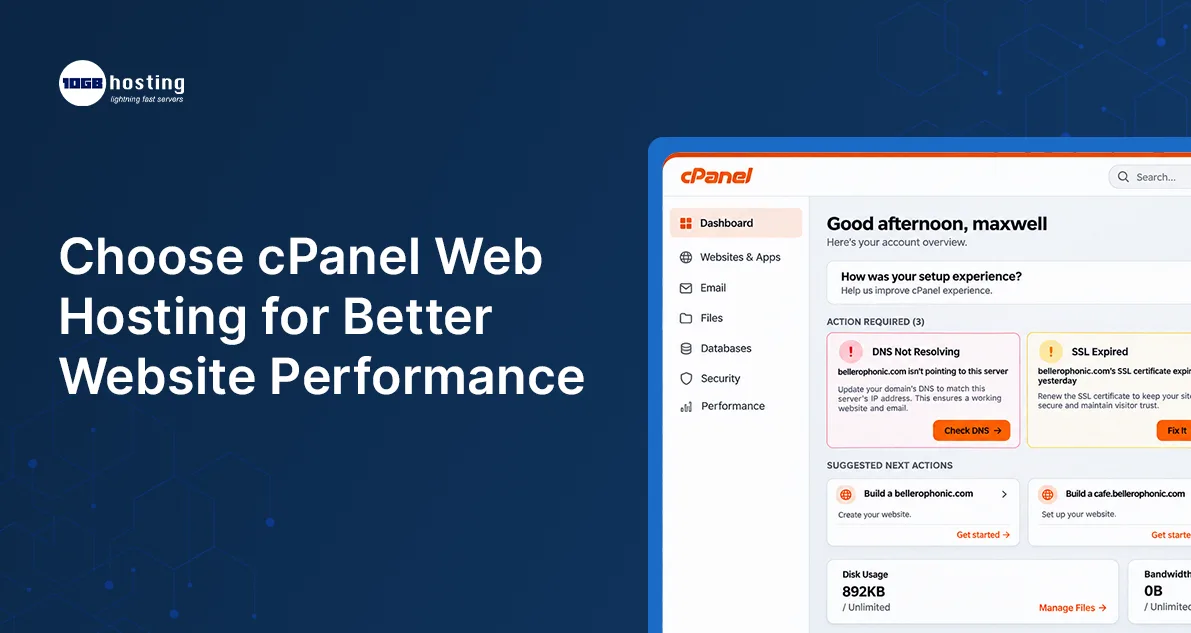
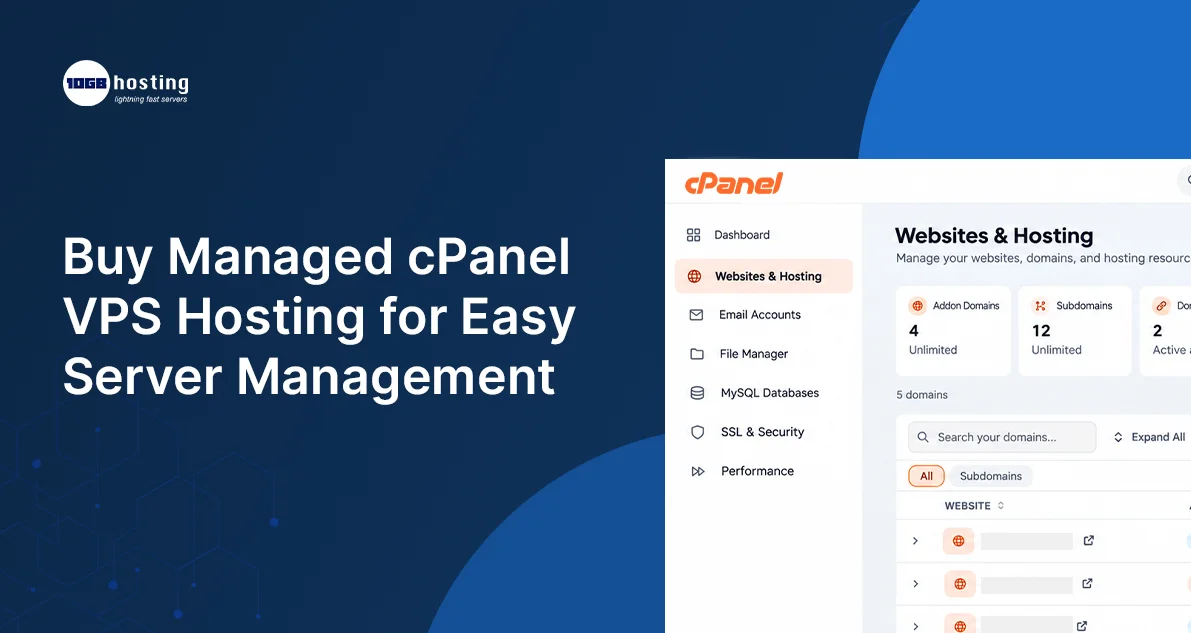
As a business grows it can become more and more complicated to manage website servers. Multiple websites may need to be managed from multiple hosting accounts. Resources on the server may need to be monitored and updated. Interrupting business operations to perform server management tasks can be very time consuming. That’s where managed cPanel VPS hosting can be extremely helpful. Managed cPanel VPS hosting gives customers all the benefits of having their own VPS with the added flexibility of the graphical interface provided by the cPanel.
Owners, developers, resellers and agencies can all benefit from managed cPanel VPS hosting.
Easily managing multiple websites can be very complex and time consuming. Managed cPanel VPS hosting can allow its customers to easily manage websites, email accounts and other aspects of hosting from one central location. When planning to purchase managed cPanel VPS hosting, this article will help the customer understand how it works, what features are available and what to look for when deciding on a plan.
Table of Contents
What is Managed cPanel VPS Hosting?
Managed cPanel VPS hosting provides customers access to their own virtual private server, similar to other VPS hosting, along with cPanel and professional server management.
With managed hosting, the provider takes over some or all of the agreed-upon server administration tasks. Depending on the agreement, these can include monitoring the server, performing updates and maintenance to the server’s operating system and software, and resolving certain technical issues.
As a result, you can focus on your websites through cPanel instead of having to perform all of the server administration tasks yourself.
How does Managed cPanel VPS Hosting work?
It has 3 elements:
- VPS: A virtual environment where resources of a server are partitioned to provide dedicated resources to each user.
- cPanel: Which allows users to manage their individual hosting accounts, and Web Host Manager (WHM) which allows administration and reselling of hosting accounts and server level management.
- Managed Server Support: Wherein the hosting provider performs certain administrative and technical tasks.
Suppose you have a digital marketing agency with 15 client websites. Managing 15 separate hosting accounts would be very difficult. Having a managed cPanel VPS would allow you to integrate all client website hosting accounts through WHM, and allow you to administer your client’s websites using cPanel, while the hosting provider manages the server maintenance tasks as agreed upon.
There are several good reasons to opt for managed cPanel VPS hosting.
1. Efficient Server Management
As mentioned earlier, with cPanel you don’t have to use complicated Linux commands for simple tasks as with other control panels.
With cPanel you can easily do things like:
- Create and manage email accounts.
- Upload and delete website files.
- Create and manage MySQL and MariaDB databases.
- Manage domains and subdomains.
- Install SSL certificates.
- Set up and manage backups.
- Edit FTP accounts. View website stats.
- Make daily website management easier.
These features assist those unfamiliar with the inner workings of a website and provide easier management for website owners who do not have the time to learn about managing servers.
2. Dedicated VPS Resources
Virtual Private Servers (VPS) provide an isolated virtual environment and designated computing resources.
With a VPS, users can customize their environment and won’t be impacted by other users on the same server the way they may be with shared hosting.
Depending on the plan, you can get:
- A dedicated CPU.
- Allocated RAM.
- Faster storage.
- Configurable bandwidth.
- Root access.
These resources can support more hosting accounts than what’s available with a shared hosting plan and can be used to run applications and websites more efficiently.
3. Professional Server Management
Maintaining a server and performing the many different tasks required for website management can be overwhelming. Security configurations, hardware and software maintenance and updates, monitoring, and troubleshooting become more difficult when supporting numerous websites.
Managed cPanel VPS hosting reduces the server management burden by performing some server administration tasks for you.
Although managed VPS hosting can lessen the burden of server administration, it may still be worthwhile for a business to hire a part-time server administrator.
4. Enhanced Security and Monitoring
Security should be taken seriously for all servers. Many websites and email accounts on one server can all be compromised with just one infected server.
Some managed hosting providers include features such as:
Firewalls.
- Server security updates.
- Server monitoring.
- DDoS protection.
- SSH hardening.
- Malware removal.
- Backups and recovery.
Determine which features of these are included with the hosting plan prior to purchase.
5. Can be used for multiple sites
If you manage a variety of sites, using cPanel VPS can simplify site management. With the use of WHM, you can easily create and manage numerous cPanel accounts.
An example of this is a web development agency. With different accounts for each of their clients, they could host each client’s site separately rather than having all sites on one shared account.
Important Things to Look for when Purchasing a cPanel VPS
Not every managed VPS hosting solution is the same. Make sure to look for these features before you purchase.
1.CPU and RAM
The more CPU and RAM you have, the more website requests your server can handle.
Depending on the nature of your business, you may need more resources. A small, infrequently used website may function perfectly well with less resources, but a large, popular website or a site with multiple high traffic websites may require more.
Choose the plan you need based on the estimated use rather than choosing the least expensive option.
2. Storage
Sites can take a long time to load if the resources being accessed are not performing quickly enough. NVMe storage can drastically improve website response time.
Check the available storage to make sure it can hold all your websites and associated files.
3. cPanel and WHM
Licensing of cPanel can increase the overall price of a hosting package. Make sure to confirm the following before purchasing.
- Is the cPanel license included? If not, how much is it?
- What license tier is given?
- How many accounts is the license valid for
- Are additional fees associated with account setup or administration?
- Does access to WHM (WebHost Manager) come with the plan?
This is important to consider when deciding if you want to host multiple sites on this VPS, or if you want to resell hosting services.
4. Security and Backups
Make sure the provider clearly outlines their policies relating to security and backups.
Backups should be performed regularly and stored on the server or offsite.
It’s recommended to keep an additional offsite backup of important files as well.
Confirm backup frequency, retention period, and storage location. Know what the charges would be for restoring a backup.
5. Root Access and Control
Root access to a VPS allows the user to adjust settings and install software to the same extent that a server admin would.
Some managed VPS providers may limit certain administrative actions in order to keep the server stable and to maintain support.
Prior to purchasing, verify that the VPS provider allows the customizations and software you may need.
6. Technical Support
Dedicated and knowledgeable support is important when using a managed hosting service.
Determine if the support team helps with issues such as:
- Configuring the server.
- Troubleshooting performance issues.
- Resolving security concerns.
- Restoring backups.
- Troubleshooting downtime.
- Check if the support team is available to help outside normal business hours.
Also ask about expected response times to support tickets.
How to Buy Managed cPanel VPS Hosting: A Step by Step Guide
Compare service providers carefully to ensure you fully understand your requirements.
Step 1: Understand Your Hosting Requirements
Before buying, do the following:
Consider your needs based on:
- How many websites do you need to manage?
- What are the types of websites you will be running?
- What is your expected website traffic?
- Will you need multiple email accounts?
- Will you manage customer websites?
- Will you need root access to the server?
- Will you need custom server software?
Some examples would be a freelancer that manages 5 small business websites vs. an agency that manages 30 websites including some database applications.
Step 2: Identify the Right VPS Configuration
Based on your requirements, look at various VPS configurations and determine which one will work best for you. Some features to consider include:
- vCPU and RAM
- Storage type and size
- Server location
- Available bandwidth
- OS of the server
Look for configurations that will be able to handle your current needs and give you room to grow.
Step 3: Consider Managed VPS Hosting Providers
Look at various hosting providers and review their management services, support, and infrastructure. Some of the aspects you should evaluate include:
| Feature | What to Check |
| VPS resources | CPU, RAM, and storage |
| Control panel | cPanel and WHM availability |
| License | Included license and account limits |
| Management | Updates, monitoring, and troubleshooting |
| Security | Firewall and server protection |
| Backups | Frequency and restoration options |
| Support | Availability and technical expertise |
| Scalability | Options for upgrading resources |
| Pricing | Setup fees and renewal costs |
Looking at the first year’s pricing for a service is not sufficient to judge the total cost of ownership.
Step 4: Select a VPS Hosting Plan with cPanel
Choose a plan with cPanel based on your requirements.
For only a few sites a small to medium VPS would suffice. If you host multiple clients on one server you may want to look at more resources, as well as an appropriate license for cPanel. Be sure the plan clearly outlines what is managed for you.
Step 5: Complete your Purchase and Setup your Server
Once you’ve decided on a plan, complete the provider’s check out process.
At this point you may also need to select:
The location of the server. The operating system.
Other additional services such as:
- Backup services,
- Managed support,
- Additional security services,
- CPanel license.
Upon completion of payment the hosting company will set up and configure the VPS to your specifications.
Step 6: Manage your Websites through cPanel
Manage your hosting accounts by creating accounts and adding domains in cPanel.
Once you :
- Create a hosting account
- You can configure email accounts,
- Create and manage databases, and
- Install SSL certificates.
Test your websites to ensure everything is working as expected. If you are migrating websites to your new server, be sure to take backups first, and test the sites once everything has been transferred to ensure everything is working as it should.
Step 7: Monitor your Server’s Performance
Regularly monitor your server to see if it is utilizing resources to the point of restriction.
Some signs of resource constriction include high CPU utilization, high memory consumption, and slow website response times.
If you are experiencing resource constraints contact your hosting provider to discuss upgrading or optimizing the server.
Who Should Use Managed cPanel VPS Hosting?
Managed cPanel VPS hosting is a good option for users and businesses looking for more control than a shared hosting environment, but don’t want the responsibility of full server management.
Small and Medium-Sized Businesses
Businesses with multiple websites can benefit from account, resource and technical management. As a reseller, you get WHM and cPanel to manage your customers’ hosting accounts. With a more powerful VPS, you can enjoy more flexibility compared to shared reseller hosting.
Web Development Agencies
Agencies can also use WHM to create different hosting accounts and subsequently manage those accounts through cPanel to administer their clients’ websites.
Hosting Resellers
Resellers can also use WHM and cPanel to manage their customers’ hosting accounts. For businesses needing more flexibility and resources than a basic reseller plan would allow, you can use a VPS environment to host your reseller business. If you plan to manage a significant number of reseller accounts, ensure your provider would allow commercial reselling and that the cPanel license would support your business.
WordPress Website Owners
WordPress websites requiring additional resources beyond shared hosting would also benefit from a VPS. If the website outgrows shared hosting, website owners can also benefit from cPanel’s graphical user interface to manage various components of the website such as files, emails and domains.
Developers and Freelancers
Freelancers would also benefit from a managed VPS as it reduces the need to perform routine administration on the server.
In both cases, you get a VPS environment and access to cPanel, the difference is in who handles the server administration.
Managed cPanel VPS vs. Unmanaged cPanel VPS
Both hosting options provide VPS resources and access to cPanel, but the main difference is who handles server administration.
| Feature | Managed cPanel VPS | Unmanaged cPanel VPS |
| Server maintenance | Provider handles agreed tasks | Customer handles maintenance |
| Security updates | Usually provider-managed | Customer-managed |
| Server monitoring | May be included | Usually customer responsibility |
| Technical support | Management assistance included | Often limited to infrastructure |
| Customization | Depends on provider policy | Generally more flexibility |
| Technical knowledge | Less required | More required |
| Pricing | Usually higher | Often lower |
Frequently Asked Questions
1. What is managed cPanel VPS hosting?
Managed cPanel VPS hosting provides users with a virtual private server (VPS) that is coupled with a server management solution. cPanel is a control panel, provided by the host, that gives users the ability to control websites, databases, and email accounts. For server management, the user agrees on certain tasks to be performed by the host.
2. Is cPanel VPS hosting good for beginners?
Yes. Using cPanel, beginners can manage their websites and host accounts and get assistance for administrative, security and troubleshooting tasks.
3. What is the difference between cPanel and WHM?
cPanel is used to manage a single website and associated email and databases hosted on a server. On the other hand, WHM is used by server administrators to manage and configure various hosting settings for multiple cPanel accounts.
4. Do all managed cPanel VPS hosting solutions provide root access?
This depends on the hosting provider. While some providers allow root access to users, others may choose not to provide root access in order to better ensure the security and stability of the server.
5. Is managed cPanel VPS hosting better than shared hosting?
Managed cPanel VPS hosting can be better than shared hosting, if more resources and greater control over the server and websites is required. Usually, shared hosting is suitable for websites that do not require a lot of resources and do not have high traffic.
Conclusion: Simplify your Server Management with Managed cPanel VPS
Managing a VPS can be complicated. A managed cPanel VPS makes things easier as you get help with more advanced administration of the server.
This can be a great option for customers such as businesses, developers, agencies and resellers who manage multiple sites and require a more reliable hosting environment.
Compare different hosting providers before purchasing managed cPanel VPS hosting to get the one that offers the right balance of server resources, cPanel licenses, security features, backups and management services.
If you just want a hassle free solution for managing your websites, then you should definitely go for a managed cPanel VPS. Once again, compare different hosting providers before purchasing to get the most value for your money.
Easily manage your servers with cPanel. Look into managed cPanel VPS hosting to help with your server administration. Finding the right balance between cost and features will allow you to effectively manage your websites the way you want. Look no further, compare managed cPanel VPS hosting plans to find the right one for you and your websites and get started today!