IT settings today are not as easy as they used to be. Today, businesses execute workloads on private clouds, public clouds, on-premises data centres, and hybrid arrangements. This flexibility makes things faster and more scalable, but it also makes things harder: what is VMware vRealize Operations, and how can you keep an eye on, improve, and manage everything without losing control?
You’re not the only one who has had problems with performance, unexpected downtime, escalating cloud expenses, or not being able to see your infrastructure clearly. This is where VMware vRealize Operations comes in.
This in-depth tutorial will tell you all you need to know about VMware vRealize Operations, including what it is, how it works in cloud management, its main benefits, real-world examples of how it is used, and why it is such an important tool for modern IT organisations. This blog will help you grasp the importance and practical use of cloud computing, whether you are new to it or have been working in the field for a long time.
Table of Contents
What is VMware vRealize Operations?
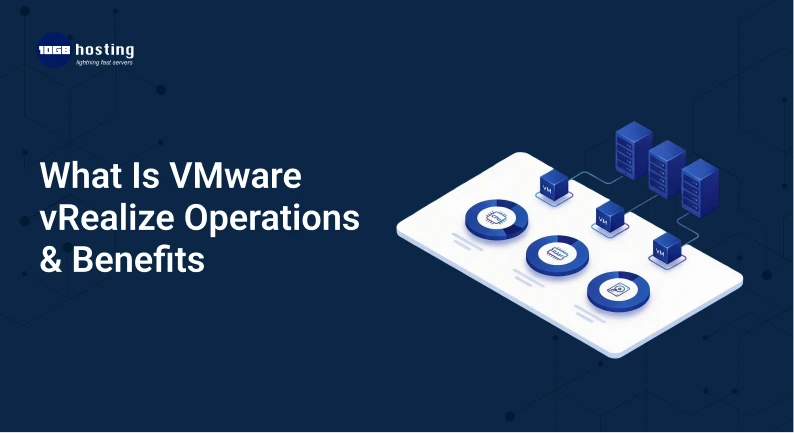
VMware vRealize Operations (vROps) is an intelligent operations management platform that helps you see everything, improve performance, and manage capacity in virtual, physical, and cloud environments.
To put it simply, VMware vRealize Operations helps businesses:
- Check on the health of the infrastructure
- Predict problems with performance before they happen
- Make the best use of resources
- Keep prices down
- Make sure that service is always available
It helps IT teams make better decisions faster by using advanced analytics, AI-driven insights, and automation.
An Overview of VMware vRealize Operations
VMware vRealize Operations is one of the tools that VMware offers for managing the cloud. It works perfectly with:
- VMware vSphere
- Cloud from VMware
- AWS, Azure, and Google Cloud (via integrations)
- Kubernetes and environments with containers
This makes it a great way to handle both hybrid and multi-cloud environments
Why VMware vRealize Operations is Important for Cloud Management
As cloud systems get bigger, it’s hard for old monitoring solutions to keep up. It’s not enough to just have static thresholds, debug by hand, and have separate dashboards anymore.
This is what makes managing the cloud hard these days:
- Workloads that change quickly
- Dynamic scaling of resources
- Complicated connections of dependency
- Several platforms and vendors
- Pressure to cut costs of doing business
VMware vRealize Operations helps with these problems by giving you real-time information, predictive analytics, and a single view of the whole infrastructure.
Important Parts of VMware vRealize Operations
Knowing the main parts makes it easier to understand how vROps works in real life.
1. The analytics engine
The analytics engine gathers and processes a lot of data from your infrastructure. It finds trends, spots unusual things, and makes predictions about how things will behave in the future.
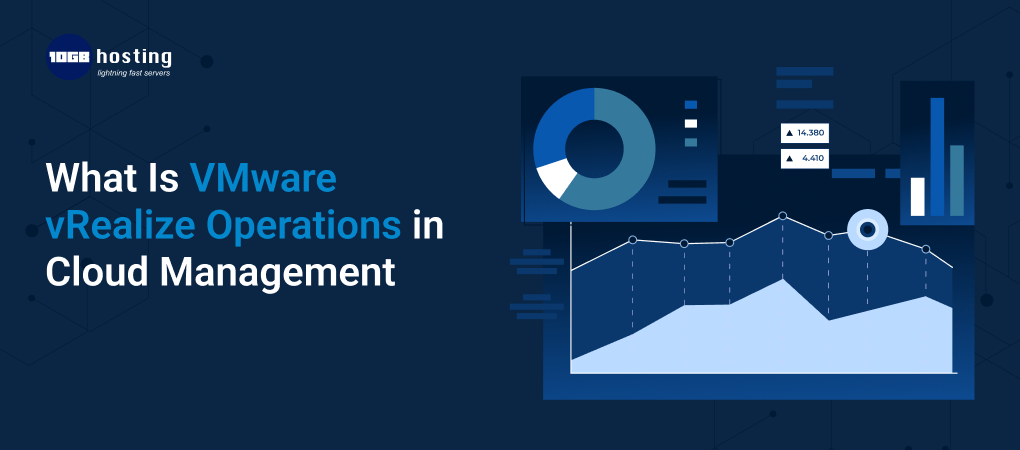
2. Dashboards and Charts
vROps has dashboards that can be changed to show:
- Health status
- Trends in performance
- Using capacity
- Signs of risk
These dashboards make it easy for both technical and non-technical people to see what’s going on at a glance.
3. Alerts and Notifications
VMware vRealize Operations doesn’t just send you a lot of alarms; it sends you smart notifications that explain
- What is going on
- What is going on
- What you should do
4. Managing costs and capacity
It helps predict how many resources will be needed and eliminates over-provisioning, which is a big reason why people pay too much on the cloud.
How to Use VMware vRealize Operations: A Step-by-Step Guide
Let’s look at how VMware vRealize Operations works in a cloud management setting.
Step 1: Gathering Data
vROps keeps getting data from:
- Virtual machines
- Hosts and groups
- Systems for storing
- Parts of a network
- Services in the cloud
This includes things like CPU usage, memory usage, disc I/O, and latency.
Step 2: Smart Analysis
VMware vRealize Operations uses machine learning methods to:
- Sets standards for normal behaviour
- Finds things that are wrong
- Finds places where performance is slow
- Tells you what problems will happen in the future
Step 3: Scoring for Health, Risk, and Efficiency
Your environment’s objects are given a score depending on:
- Health—how well you’re doing right now
- Risk means problems that could happen in the future.
- Efficiency means making the most of resources.
- These scores help teams figure out what to do first.
Step 4: Suggestions for Action
vROps doesn’t just tell you about problems; it also proposes particular actions, like
- Change the size of a virtual machine
- Rebalance the work loads
- Add more capacity
- Take away resources that are not being used
Step 5: Ongoing Improvement
VMware vRealize Operations keeps changing and improving its recommendations as the environment changes.
How vROps fixes common IT problems in the real world
What to do if your hybrid cloud isn’t working well
Think of a business that uses both an on-premises VMware cluster and a public cloud to execute important programs. People start to say that applications are slow at busy times.
Without vROps:
- IT personnel look at logs by hand
- Fixing problems takes hours
- The root cause is still not apparent.
With VMware vRealize Operations:
- The system finds strange CPU contention.
- It finds a certain VM that is making resources scarce.
- It suggests changing the size and redistributing the effort.
The problem is fixed immediately, with little downtime.
Benefits of VMware vRealize Operations
Let’s look at the main reasons why VMware vRealize Operations is so important for managing the cloud.
1. Managing performance ahead of time
Instead of fixing problems after they happen, vROps helps stop them from happening in the first place by finding risks early.
2. Better visibility in all environments
Get a single, clear picture of:
- Infrastructure on the premises
- Cloud for private use
- Cloud for everyone
- Cloud that is both public and private
3. Better planning for capacity
Accurately predict how many resources you’ll need in the future to prevent having to upgrade or stop service at the last minute.
4. Getting the best price
VMware vRealize Operations helps cut down on cloud spending by finding resources that are not being used or are too big.
5. Fixing problems faster
Alerts that know what’s going on cut the mean time to resolution (MTTR) by a lot.
6. Making Better Choices
Data-driven insights help IT leaders make smart decisions about their strategies.
VMware vRealize Operations in Hybrid and Multi-Cloud Settings
Most organisations today don’t use just one cloud. VMware vRealize Operations is great for hybrid and multi-cloud installations because it
- Finding connections between metrics on different platforms
- Keeping up with the same performance standards
- Giving centralised control
This makes sure that operations are always the same, no matter where workloads are running.
Who Should Use VMware vRealize Operations?
VMware vRealize Operations is great for:
- IT managers
- Cloud designers
- Teams that do DevOps
- Service providers that manage
- Businesses with complicated networks
vROps can grow with your demands, whether you run a small private cloud or a big multi-cloud business.
How to Use VMware vRealize Operations the Right Way
Follow these recommendations to get the most out of vROps:
- Make dashboards different for each team member’s role.
- Check your health and risk scores often.
- Plan your budget using capacity planning reports.
- Work with automation tools
- Teach teams how to understand analytics data.
VMware vRealize Operations FAQs
1. What does VMware vRealize Operations do?
VMware vRealize Operations is a tool for keeping an eye on, analysing, and improving performance, capacity, and costs in both virtual and cloud settings.
2. Is VMware vRealize Operations only for VMware systems?
It works well with VMware products, but it also works with public cloud platforms and third-party connections.
3. How does VMware vRealize Operations help cut down on cloud costs?
It finds resources that are not being used, are too big, or are not working well and suggests ways to make them more efficient to save money.
4. Is VMware vRealize Operations a good fit for small businesses?
Yes, it can grow or shrink depending on the size of the infrastructure, therefore it works for both big and small businesses.
5. What is the difference between vROps and monitoring tools?
Standard monitoring solutions only provide numbers, but VMware vRealize Operations gives you smart insights, predictions, and suggestions that you can use.
Final Thoughts: What VMware vRealize Operations Is and Why It Matters
In today’s fast-paced cloud world, you have to have visibility and control. VMware vRealize Operations turns complicated infrastructure data into clear, useful information that helps businesses keep ahead of performance problems, cut costs, and provide reliable services.
VMware vRealize Operations is an important part of modern cloud administration, whether you’re running a hybrid cloud, preparing for future growth, or just trying to make things easier to run.