It can be hard to interpret a complicated system without a dashboard when you’re in charge of a VMware setup. Virtual machines grow, workloads vary every day, and performance problems show up out of nowhere. IT teams often deal with problems instead of stopping them from happening in the first place. That’s when they get angry.
VMware vROps was made to overcome this exact problem.
This book will teach you what vROps is, how it works, and why it is so important for getting better insights into VMware operations. This blog will help you understand vROps in a straightforward and useful way, whether you’re a newbie learning about VMware products or an IT professional who wants to have more control and visibility.
Table of Contents
What is vROps? What does VMware vROps mean?
VMware vRealize Operations, or vROps, is a powerful platform for managing and analysing operations that is made to keep an eye on, analyse, and improve VMware infrastructures.
vROps doesn’t just offer raw metrics; it turns infrastructure data into useful information. It helps IT teams figure out:
- How good the environment is
- Where there are performance problems
- If resources are being used too much or wasted
- What dangers could affect operations in the future?
In brief, vROps doesn’t simply show you what’s going on with VMware operations; it also gives you information about them.
Why regular monitoring isn’t enough anymore
Alerts and thresholds are the main things that basic monitoring tools look at. They let you know something is wrong, but they don’t often say why or what to do next.
As VMware systems get bigger, businesses have to deal with problems like:
- Hosts, VMs, and storage all depend on each other in complicated ways.
- Performance drops out of nowhere with no evident reason
- Buying extra hardware because of bad capacity planning
- Troubleshooting by hand that takes a lot of time and money
VMware vROps solves these difficulties by employing data-driven insights instead of guessing.
A Simple Explanation of How vROps Works
Let’s look into the main procedure behind vROps to see how it makes VMware operations insights better.
1. Collecting data all the time
vROps gathers operational and performance data from all throughout the VMware ecosystem, such as:
- Virtual computers
- Hosts for ESXi
- Groups
- Data stores
- Server for vCenter
It can also connect to outside systems, such as cloud platforms and third-party applications, to give you a single view of all your operations.
2. Learning Behaviour and Smart Analytics
vROps learns what “normal” looks like in your environment over time, unlike static monitoring technologies. Then it:
- Finds behaviour that is out of the ordinary
- Finds early symptoms of problems with performance
- Links events that are related to each other across infrastructure levels
This method helps teams find problems before they get worse.
3. Clear scoring and visualisation
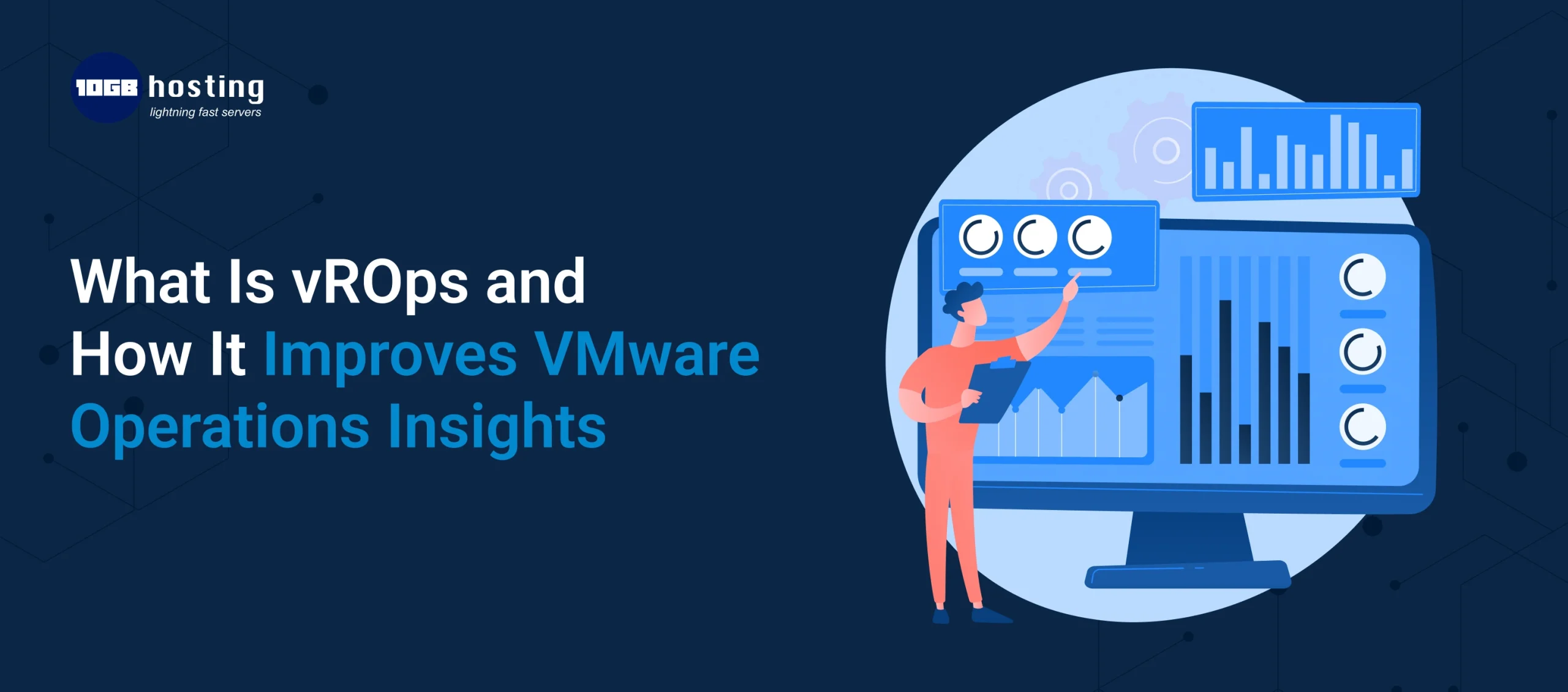
vROps shows information in easy-to-understand dashboards and scores, like:
- Health how the system is doing right now
- Risk means problems that could happen in the future.
- Efficiency means how well resources are used.
These visual aids assist teams rapidly figure out what needs to be done without having to look through a lot of data.
Key Features That Make VMware Operations Insights Better:
Performance Analysis and Faster Troubleshooting
vROps keeps an eye on performance trends and dependencies all the time. When a problem happens, it helps teams:
- Find out what really caused it
- Know which part is affected
- Fix problems more quickly and with more confidence
For instance,
If a VM is slow to respond, vROps can figure out if the problem is CPU congestion, memory pressure, or storage slowness, so you don’t have to guess what the problem is.
Capacity Planning with Predictive Data
One of the best things about VMware vROps is that it can tell you how much capacity you’ll need in the future.
vROps helps you find answers to questions like:
- How long will the resources we have now last?
- Can we safely add additional work?
- When should we put more money into infrastructure?
By looking at past trends, vROps helps make better predictions and plans.
Optimising resources and getting the right size
Overprovisioning is a problem for many VMware settings. vROps finds:
- Virtual machines that are too big
- Workloads that aren’t doing anything
- Using clusters in an inefficient way
Organisations can increase performance and lower infrastructure and licensing costs by right-sizing their resources.
Alerts and risk detection that happen before something bad happens
vROps doesn’t just provide alerts when something breaks; it also points out risks early. It tells teams about:
- Problems with configuration
- Full capacity
- Trends in performance decline
Every alert comes with context and suggestions, which make it easier and faster to take action.
Dashboards Based on Roles
Different groups need to see things in different ways. vROps lets you make your own dashboards for:
- Administrators of VMware
- Teams that run things
- IT management
- People who have a stake in the business
This makes sure that everyone gets useful information without making things too complicated.
How vROps makes daily VMware tasks easier
Here’s how vROps works in real life every day.
Step 1: Do health checks on the environment first
Teams start by looking at health ratings and alerts to see how the infrastructure is doing right now.
Step 2: Look at problems in their context
When a warning comes up, vROps links measurements and events that are connected to illustrate why the problem happened.
Step 3: Make the best use of resources on a regular basis
Teams can get back underutilised capacity and follow right-sizing advice by reviewing their work every week or month.
Step 4: Make a plan for growth with confidence
Capacity and trend data help with long-term planning and stop shortages from appearing out of the blue.
In the real world, vROps is making a difference
Think of a business that is growing and running hundreds of VMs in several clusters.
Before vROps:
- A lot of complains about performance
- Fixing things by hand
- Planning for capacity incorrectly
After vROps:
- Finding performance risks early
- Better use of resources
- Better planning and fewer outages
What happened? Operations are more stable, and IT staff have less stress.
Why VMware vROps is Important
This is why businesses use vROps:
- More visibility across VMware environments
- Finding the root cause faster
- Less downtime and danger to operations
- Using resources more wisely
- Better alignment between IT and business goals
In today’s IT world, uptime and insight are equally critical, and vROps gives you both.
Questions and Answers (FAQs)
1. What do vROps do?
vROps gives you performance analytics, capacity planning, and proactive alerts so you can monitor, analyse, and improve VMware environments.
2. What makes vROps different from basic monitoring tools?
Basic tools provide numbers, but vROps discusses trends, finds problems, and gives suggestions for what to do next.
3. Is VMware vROps only for big businesses?
No. Organisations of all sizes benefit from better visibility, optimisation, and proactive management of operations.
4. What are the most important benefits of VMware vROps?
Some of the main benefits are better performance, being able to predict capacity needs, saving money, and finding problems before they happen.
5. Can vROps work in both hybrid and cloud environments?
Yes. vROps supports both hybrid and cloud integrations, giving you a single view of your operations.
Last Words
Learning about vROps and how it helps VMware operations go better can change the way IT teams take care of their infrastructure. Teams can now predict, optimise, and stop problems before they happen, instead of just responding to them.
If your VMware environment is getting bigger and more complicated, vROps is a must-have tool, not a nice-to-have.
Call to Action
Are you ready to get more control and visibility over your VMware infrastructure?
To get the most out of your virtual environment, look at VMware vROps, discover best practices, or talk to professionals. Start immediately and turn your VMware data into useful information.